Revolutionizing App Development: Empowering Business Users with Microsoft Power Platform
In an era where application development was once exclusive to IT developers, Microsoft Power Platform has revolutionized the landscape, empowering business users with its no-code to low-code technology. This innovation enables citizen developers to construct agile business processes, streamlining, automating, and modernizing apps within their organization.
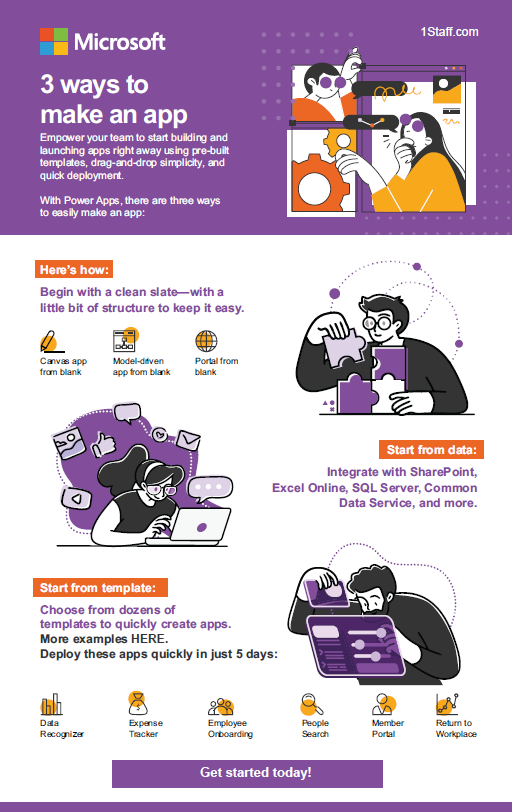
Pre-packaged templates in Microsoft Power Apps facilitate effortless app development through drag-and-drop functionality, eliminating the need for coding and ensuring swift progress. Here are three simple pathways to initiate your app creation journey in Power Apps.
Begin with a clean slate.
If you prefer to start from scratch, you can begin with either canvas apps, model-driven app, or portal. Canvas apps is used for bespoke interface, allowing you to model your app the way you want it. Model-driven apps leverage the existing data model of your core business data and processes. This option already provides your app with responsive user interface. Portals allow you to create public-facing websites for external users.
Start from data.
From Microsoft-based or third-party solutions to custom APIs and data gateways, Power Apps gives you the flexibility to choose from hundreds of possible data source options. Some of the widely known sources are:
- Productivity solutions such as Microsoft Excel Online, SharePoint, Teams, Microsoft 365, Power BI, Slack, etc.
- ERP systems such as Microsoft Dynamics 365 Finance & Supply Chain, Business Central, etc.
- CRM systems such as Microsoft Dynamics 365 Sales, Salesforce.
- Database platforms like SQL Server.
- Social media platforms like Twitter.
Dataflex (formerly known as Common Data Service or CDS) is also another option. It is the data storage and management layer, but is part of the premium feature of Power Platform.
Start from template.
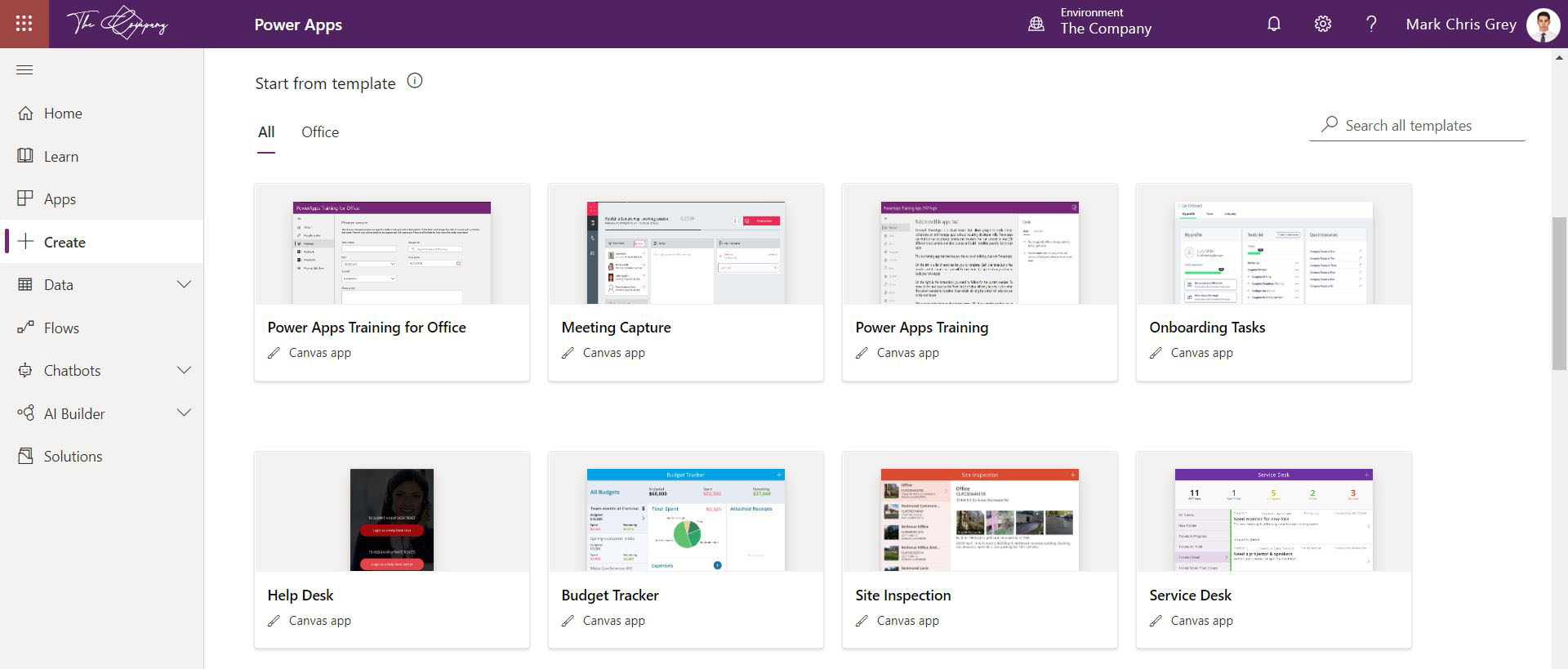
Have got the vision to automate your repetitive but crucial business processes, but you are short of time to customize or start from scratch? Use templates available in Power Apps here. Whether it’s a function-related or industry-specific process, you can find many ready-made templates in Power Apps to get you up to speed in developing your unique app.
We hope this blog inspires you to take a closer look at Power Apps so you can quickly automate your business processes, without the expensive licenses or complex and lengthy IT projects.

More from the blog
How AI and Microsoft Security Copilot are revolutionizing cybersecurity
In today's ever-evolving cybersecurity landscape, security professionals face overwhelming odds. They battle adversaries who are not just prolific but also exceptionally sophisticated.
Read more